
Demonstration Setup
1. Clone the repository
Use the following GIT Command if installed:
git clone git@github.com:arme-project/score-follower.gitIf you do not have GIT Install then you can download the repository as a ZIP file:

- This is used for the Metronome but the same idea works the same with the score-follower
2. Extracting Antescofo
Before you can start anything, you will need Antescofo plugin to be able to run correctly. Inside the folder, under Packages you can find a packaged Antescofo which you will need to extract and move the folder to where Max 9 can find for External Packages. In this case, you will need to find the Packages directory that Max 9 look in.
You can find this in Max 9 under Options > File Preferences..., where it says User Library you can find the Package in the parent directory of Library where you can put the extracted Antescofo in:

You can then open the score-follower inside the directory which opens the project in Max 9 (indicate if needed):
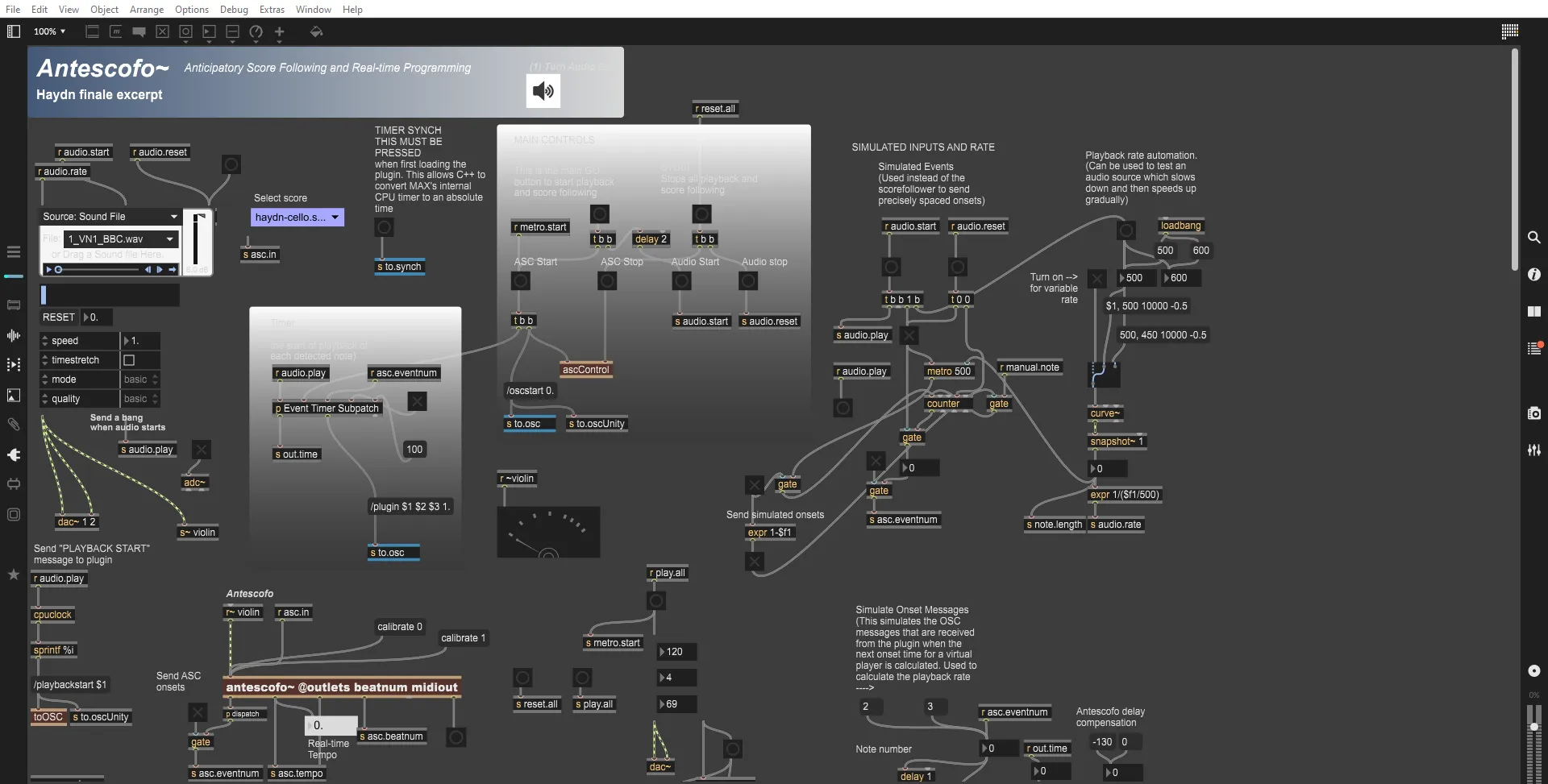
4. Opening Presentation Mode
In Max 9, you will find an option at the bottom of the window which look this:
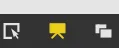
This should open a new view that is simplified and much easier to use to run the Score-Follower:
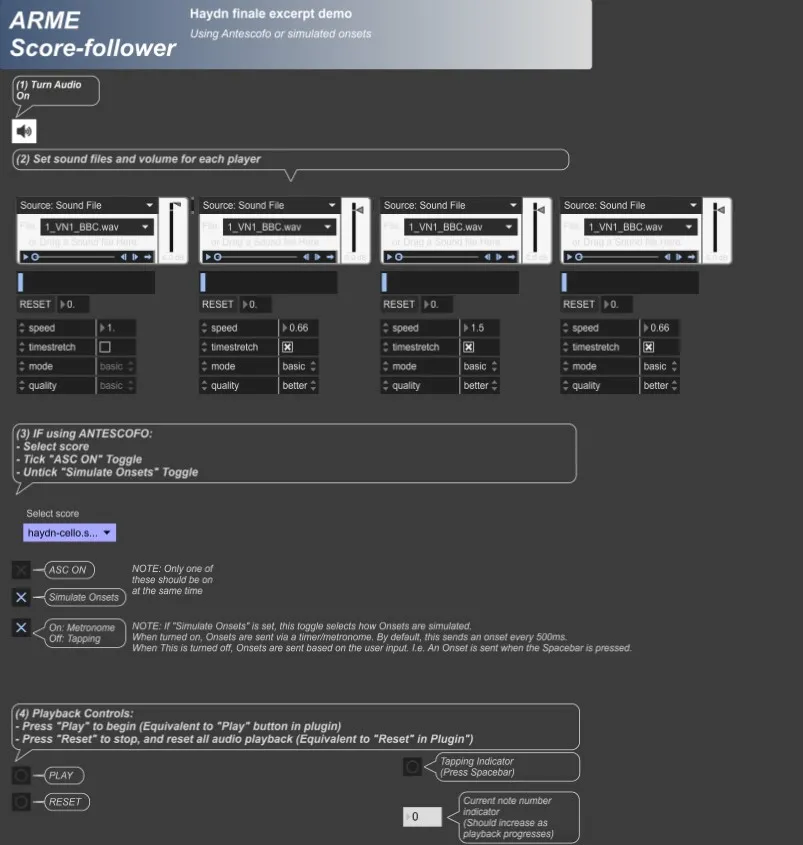
From here, the aim for this is to simplify the demonstration without the worry of pressing the wrong thing. As seen, the following steps are:
- Turning the Audio
- Setting the sound files and volume for each Player
- Choosing between Onsets to AdaptiveMetronome (Simulated Onset or ANTESCOFO)
- Playback Options